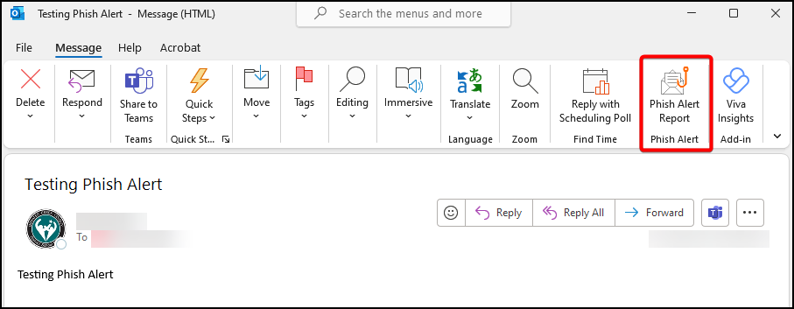
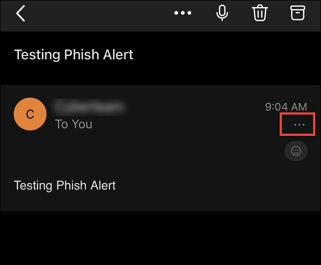
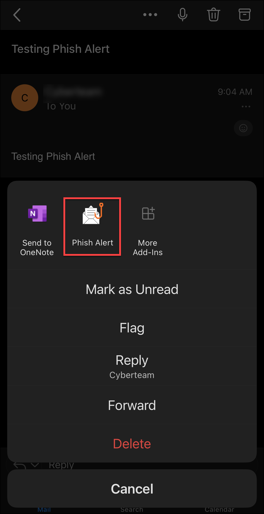
To Report a Phishing or SPAM email using Outlook in your browser:
- Load the message you wish to report.
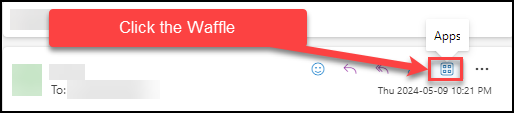
- In the body of the message, click the Apps Waffle
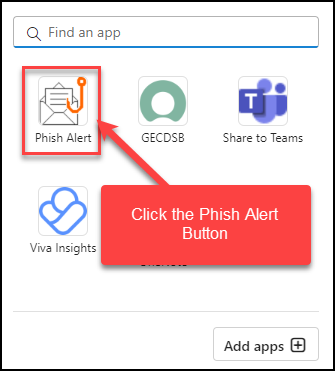
- Click the Phish Alert Icon.
- A side bar will appear showing the email details you are reporting.
- Select whether you want to report the email as Phish/Suspicious or as Spam
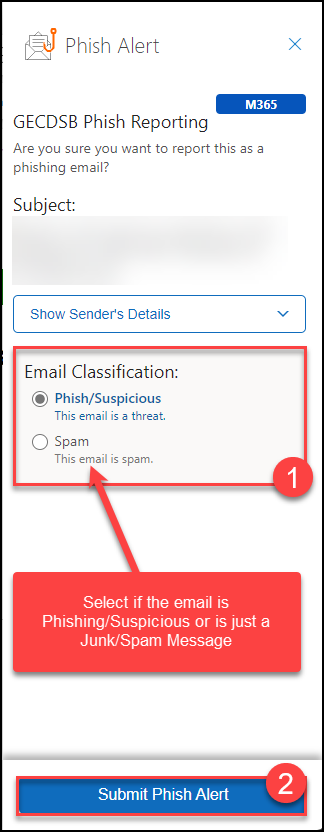
- Click the Submit Phish Alert button at the bottom to report the email.